
Why it exists
For listening to the audio files you already own.
SoundViewLink Player helps you handle personal audio from cloud storage or local files as works, playlists, bookmarks, and recent listening items. The planned initial App Store release is based on an annual auto-renewable subscription with a one-month free trial.
Now playing
See the artwork while the audio is playing.
The core SoundViewLink Player experience is the player screen: chosen visuals, playback position, bookmarks, playlists, and audio controls in one place.
Core features
Keep the file location, artwork, and playback position together.
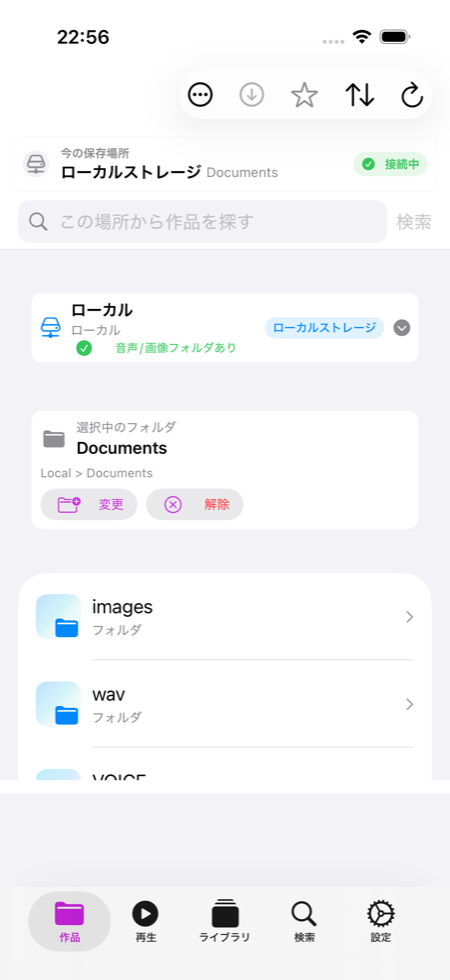
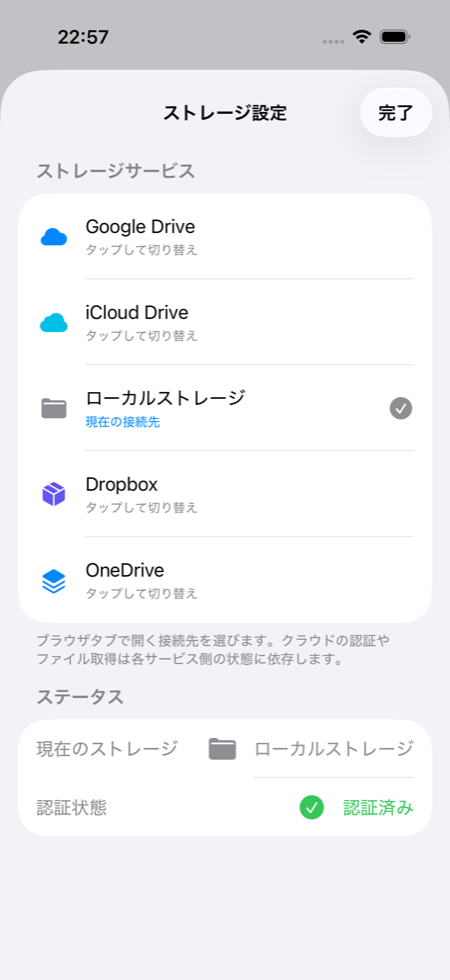
Cloud and local files
Use Google Drive, Dropbox, OneDrive, iCloud Drive, and Local files for user-selected audio.
Audio with visuals
Pair audio folders with image folders so long-form audio has a clear visual cue.
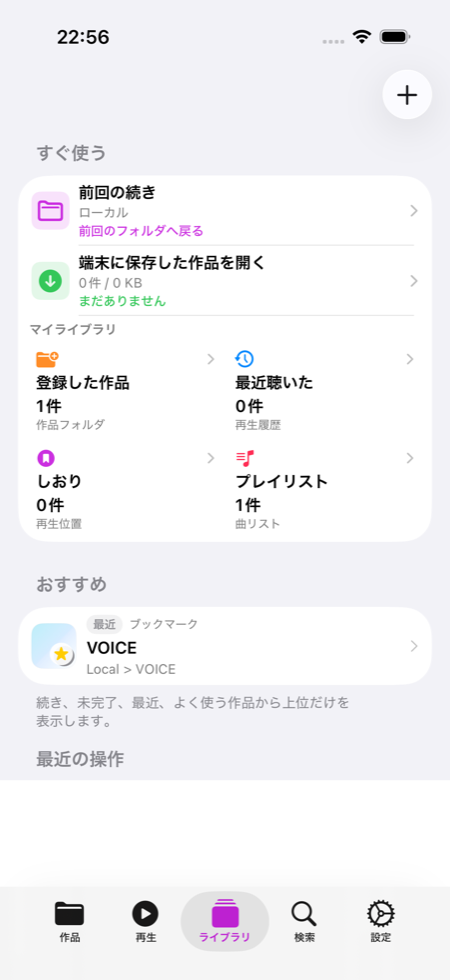
Works, bookmarks, playlists
Return through works, bookmarks, playlists, previous folders, and recently played items.
Cache and offline help
Use local cache and saved items to make large files and changing network conditions easier to handle.
Interface
A quiet, white interface built around real file workflows.
Made for long listening
Find the work, recognize it visually, then continue listening.
When audio gets long, folders multiply, or files live across cloud services, SoundViewLink Player keeps the source, artwork, and return path easier to understand.